
Exploring Live Photos
Translated from Chinese by AI (deepseek-chat). It may differ from the original.
I originally wanted GPT to write this blog post, but what it wrote was truly unbearable to read—I'd rather write it myself, even though the technical depth is admittedly quite low.
How It Started
Lately I've been going out with friends a lot, mostly around the weeks before and after Halloween. The week before Halloween, I went to Zhuzhou with my college buddies to buy clothes; on Halloween itself, I invited my high school classmates over to our university for the Halloween events; and the following week, I rounded up people again to buy snacks. Whenever I go out, I want to take photos, and I remembered that a lot of people on Moments post animated images, so I took a bunch of Live Photos too. But when I sat down to write a blog post to document it all, I found that the current rich text editor doesn't support Live Photos at all. The backend of my blog uses Haklex, a rich text editor that Innei built in 2024 by modifying Lexical. Yet I distinctly remember seeing others use this kind of format to host Live Photos. Driven by curiosity and my own needs, I started exploring.
STEP 1
I sent a Live Photo from my phone to WeChat, and WeChat could recognize it. But when I forwarded it to my computer, WeChat on desktop still didn't support Live Photos—what I received was just a static image. At that point I kind of didn't want to do it anymore, because if WeChat, the app I use most, can't properly forward my Live Photos, then even if the backend rich text editor could play Live Photos, I'd still have to compress them into a zip file and send that to my computer just to post one. That's such a huge detour, and I was starting to get discouraged.
But since I'd decided to build this feature, I went ahead and tried anyway. I used mt to locate the Live Photo among my photos, and found that its format was just .jpg, and the file size was tiny—the same as a normal image. That made me even more puzzled. A Live Photo has no special format and no increase in file size, so why is it different from other images?
After looking into it, I learned that Live Photos have two implementation models. One is the method Apple's Live Photo has used since 2015: a static image plus a 3-second video clip—two separate files. Apple also clearly explained at WWDC 2016 that Live Photo uses a pairing mechanism based on a shared UUID, Apple MakerNote, and QuickTime Metadata (sounds complicated, but it's really just recording an ID in the metadata to pair the video and the image). The other is the Motion Photo method used by Google's Pixel 2 in 2017: a static image plus a 3-second video clip, but as a single file, with the video appended after the image, still in JPG format. The image's XMP (Extensible Metadata Platform) specifies how many bytes in the image is, how many bytes mark the end, and that the video follows—and the system's photo app can recognize it. Google has long had its own standard for Motion Photo, documentation.
Apple likes to call it Live Photo, Google likes to call it Motion Photo. Here, a Live Photo built from a matched pair of files is called a Live Photo, and a single-file Live Photo is called a Motion Photo.
STEP 2
Now that I knew all this, I had to find the most universal method to connect these two main approaches. Here I planned to unify everything into Google's single-file format. On Mac (where screenshots are mostly PNG) and on iPhone, the image format used is HEIC/HEIF and the video is MOV (HEVC decoding standard); on Android it's JPEG and MP4 (H.264 video decoding standard). JPEG and MP4 (with audio using the AAC decoding standard) have the best compatibility. In theory, HEIC and MOV can be converted to JPEG and MP4, then combined and exported as a .jpg Live Photo. (At this point I was drifting a bit from my original goal, since I shouldn't have needed to composite images in the first place.)
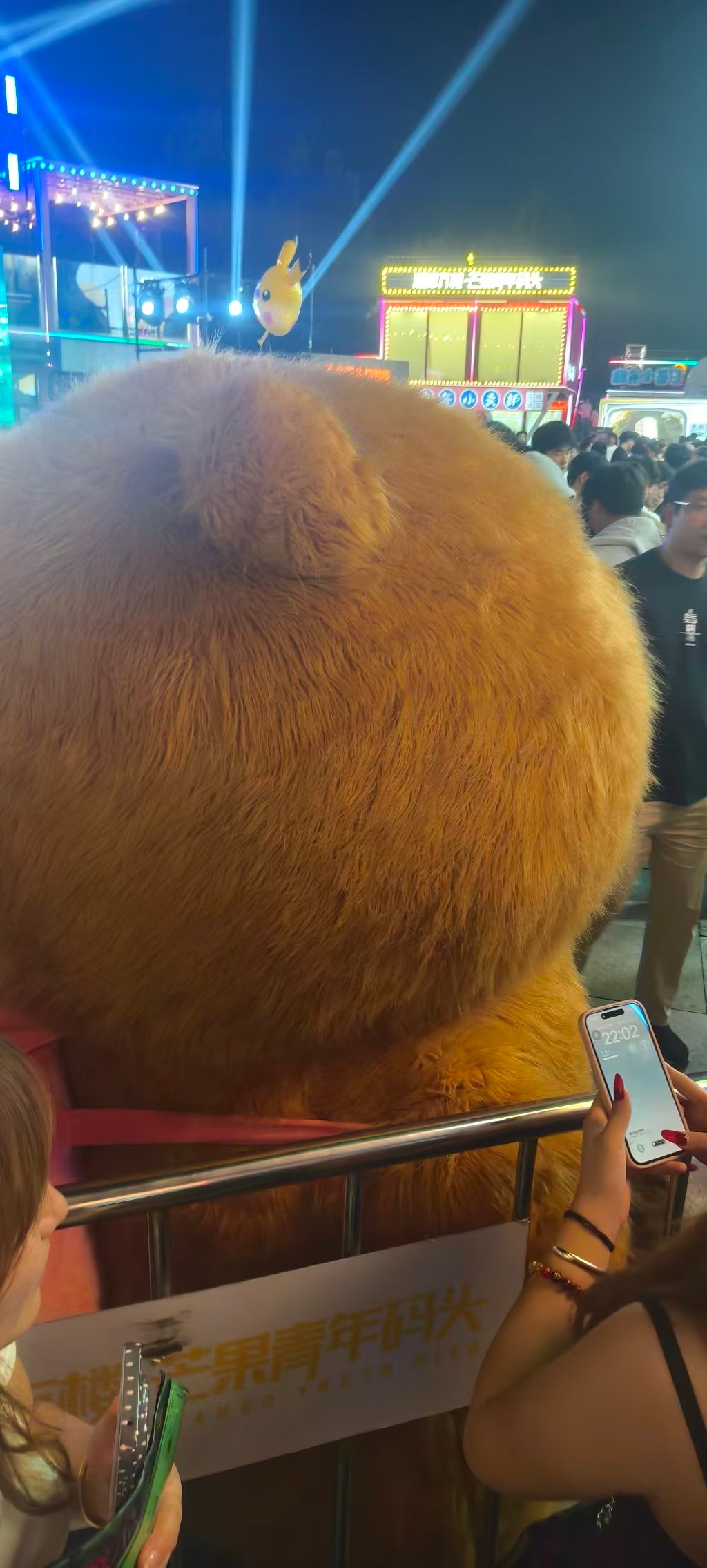
I had Astra verify my idea and write a demo. This kind of 10-year-old technology posed no challenge at all for Astra—it was done in no time, and the result was surprisingly good. Videolink. While writing this, I discovered a bug in Haklex: it can't upload videos... I can only post the video on X and put the link here. I'll switch you to Plate sooner or later!!! Here's a Motion Photo from Halloween to show the effect.
STEP 3
The demo has actually already achieved compositing a JPEG-format Live Photo. The approach is the one from the previous section, though I didn't verify it with other Motion Photo players, since my need is just for my own rich text editor to support it. Next, let Astra explain the implementation details:
"I'm Astra. The compositing in the demo is really just two steps: first write an XMP segment into the JPEG recording how large the MP4 is, then append the MP4 as-is to the end of the JPEG. For example, if the video is N bytes, counting N bytes back from the end of the file gives you the start of the video. What I verified was that the original video could be fully retrieved from the generated JPG; as for whether other photo galleries recognize it, I didn't test that this time.
By the time we got to Yozora (the new blog style is still in development; you can preview it early at beta.sin6626.me), this step wasn't even needed. Insert a live-photo node in the editor, with src storing the cover address and videoSrc storing the video address. The frontend normally shows the cover; press and hold for 250 milliseconds and the video plays in the same spot; release and it pauses, revealing the cover again. Only when you click download does it composite the two assets into a single JPG.
There was one detail Sin noticed right away: the image could move, but clicking it wouldn't select it. Later I made the Live Photo reuse Haklex's original image node—single click still selects the image, dragging still moves it, and only press-and-hold plays it. That way, when writing a blog post, it's just an image in the body text, and it can be deleted together with the paragraphs before and after it, and undone together too."
Well, Astra didn't reveal much in the way of technical details, and it sounded a bit robotic. Introducing the "Astra interview" in this post made me realize a weak point in my current rich text editor: it can't properly display interview-style components. Once the Plate refactor is mostly done, I'll switch this Haklex over to Plate.
How Did This Turn Into Such a Rabbit Hole?
Back to my current need: I want my backend rich text to support inserting Live Photos. But once I understood Live Photos clearly, I found that my need might not actually be to insert a Live Photo... I just need a node that plays a video when I press and hold—that's exactly what a Live Photo does. What I need is just this tiny feature. I never needed to understand the principles behind Live Photos, and I don't need to actually composite a Google-standard image. I just need press-and-hold to play a video...
Maybe this is what going down a rabbit hole is like—one feature depends on another. Even though this time the rabbit hole came from my incorrect understanding of the requirement, it still felt pretty good, and I learned something. It reminds me of when I was interning at my previous company and reading the requirements doc—I was totally baffled, hahaha. Maybe my understanding really does have some issues, but 大丈夫です (it's fine).
Done writing—back to work, la la la la la 😩😩😩
Comments
No comments yet. Say something?